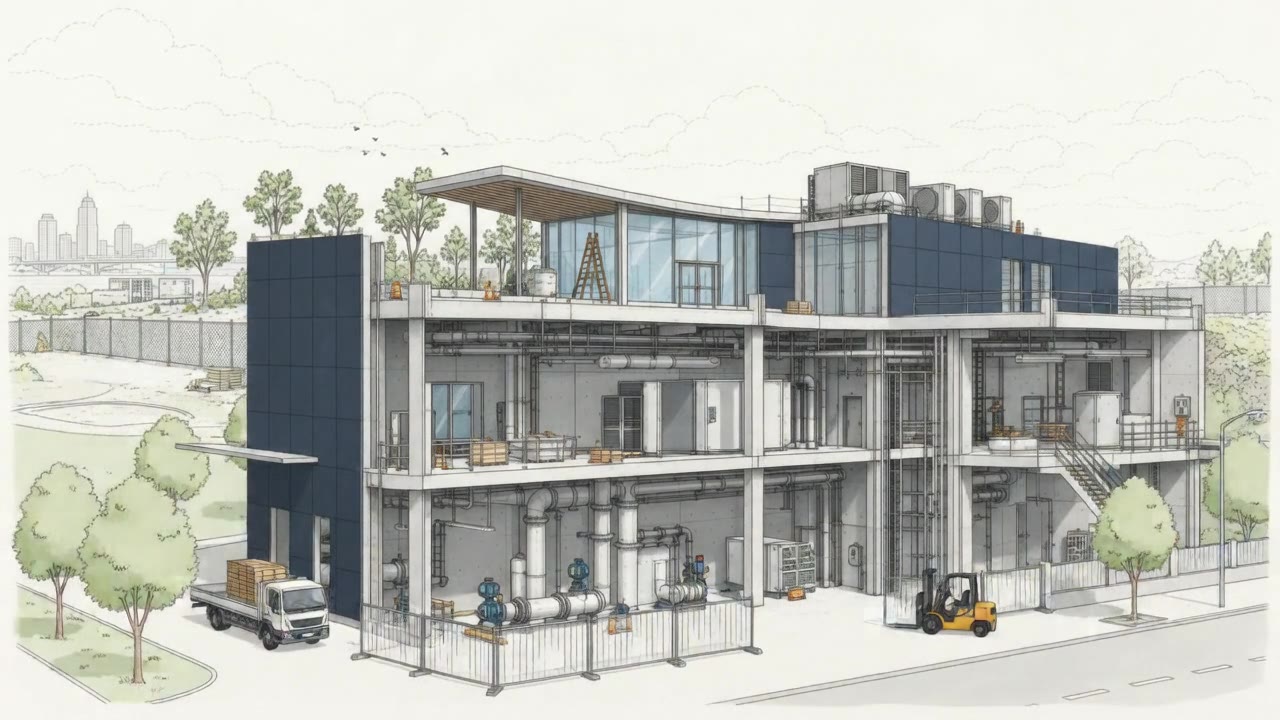
Leading indicators from the field
Daily field reports feed a live earned-hours scoreboard: budgeted vs. applied hours, win/loss dollars, per crew and activity. A job trending red shows up this week, not on next month’s P&L.
01
Most contractors don't lose money on bad jobs. They lose it on jobs that went bad quietly, where the field knew in week two and the P&L found out at month end. SitewideOps closes that gap: one system from estimate to pay application, with leading indicators coming off the job daily.
Every stage hands off cleanly to the next. The estimate becomes the contract, the contract becomes the schedule, the schedule becomes the install, and completed work becomes the invoice, with nothing re-keyed in between.
Build itemized quotes from reusable assemblies and current material costs.
Send proposals, collect e-signatures, and win the job without the back-and-forth.
Turn the signed contract into crew assignments and a dispatch-ready calendar.
Field crews log progress, photos, hours, and safety from the job site in real time.
Bill against completed work and post clean journals to the ledger, automatically.
Every feature below is in the product today. We don’t sell features we haven’t built. The thread running through all of it: the field and the office work off the same numbers, so a question about a job gets answered in seconds, not phone calls.
Daily field reports feed a live earned-hours scoreboard: budgeted vs. applied hours, win/loss dollars, per crew and activity. A job trending red shows up this week, not on next month’s P&L.
01Drag-and-drop crew × day scheduling with double-booking warnings, plus a 14-day forecast per job site that flags at-risk visits and suggests a better day.
02Bill of materials to PO to receipt to vendor bill, one thread, with pick lists, stock levels, replenishment alerts, and every dollar landing on the right cost code.
03Bids by cost code with reusable assemblies, priced by department and location with live margin. The winning estimate becomes the job budget. No rebuild.
04Gantt planning with critical path, change orders, RFIs, submittals, and markable drawings for every project in one workspace.
05A source-document cost ledger and cost-to-cost WIP that agree to the cent: earned vs. billed per project, snapshotted at month-end close.
06SOV-driven G702/G703 pay applications, subcontract commitments with retainage held and released, and a dimensional GL that syncs to QuickBooks Online and Sage Intacct.
07Daily field reports with labor, materials, photos, auto-pulled weather, and safety incidents, logged from a native app that works offline on site.
08Pipeline from first call to signed contract, sectioned quotes with live margin, and customer e-signatures on quotes and change orders from a shareable link.
09From the first lead to the month-end close, each team works from the same live job data. No duplicate entry. No outdated versions.
| Project | Contract | Est. cost | Cost TD | % comp | Earned | Billed | Over/(under) |
|---|---|---|---|---|---|---|---|
| Riverside Medical | $2,480,000 | $1,984,000 | $1,310,400 | 66.0% | $1,636,800 | $1,710,000 | $73,200 |
| Harbor Ridge DC #3 | $1,915,000 | $1,512,000 | $1,315,440 | 87.0% | $1,666,050 | $1,540,000 | ($126,050) |
| Concord Plaza Ph.2 | $864,000 | $690,000 | $248,400 | 36.0% | $311,040 | $302,400 | $8,640 |
| Lincoln Annex | $412,500 | $330,000 | $304,920 | 92.4% | $381,150 | $395,000 | $13,850 |
| Whitfield Water | $1,240,000 | $1,004,000 | $381,520 | 38.0% | $471,200 | $396,800 | ($74,400) |
| Total | $6,911,500 | $5,520,000 | $3,560,680 | — | $4,466,240 | $4,344,200 | ($104,760) |
Send the same scope to every GC pricing the building, each with its own quote, and track who quoted, who passed and who won. Pipeline, win rate and bid activity stay accurate because the building is counted once, however many GCs are bidding it.
Every task sits on a timeline with the crew it is planned on and the task it waits for, and hovering one shows its dates, progress and planned hours. A task whose crew is already committed on another project that week carries a warning before the week arrives, and a rain day in the forecast shows which task moves and where it lands.
Sites, crews and equipment on one map, with the crews nearest an unscheduled job one click away. Hours and materials logged here land on the same job record, so the numbers the office sees are the ones the field just entered.
Cost-to-cost earned revenue comes off the bills, time and invoices as they post, not off a spreadsheet rebuilt at month end. Over and under billing is current to the dollar on every project, so the WIP schedule is ready the day the period closes.
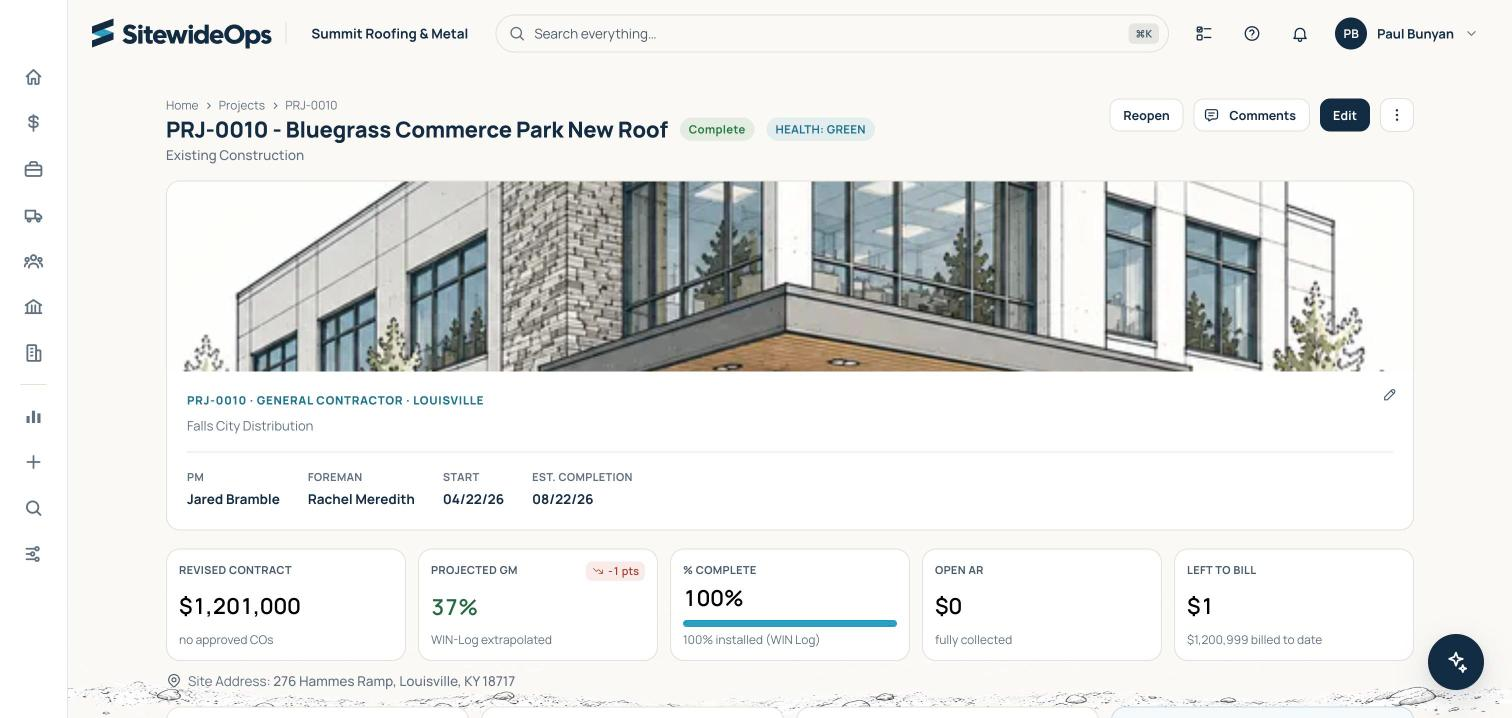
Four screens out of the system. The same job record carries through estimating, purchasing, field time, certified payroll, pay applications and the ledger.
One job record the whole way through.
SitewideOps comes from years spent running operations at a commercial roofing contractor, living in WIP spreadsheets, re-keying pay applications, and bending generic software that never fit how a specialty trade shop actually runs.
Read the full storyI ran operations at a commercial roofing company and kept waiting for software that could keep up with the job: scheduling multiple crews easily, tracking and scheduling around weather events, leading performance indicators from the field before it hits the P&L, purchasing and inventory tracking, WIP and retainage, certified payroll and pay apps. It never showed up. So I built it.

SitewideOps is onboarding a small group of specialty trade contractors ahead of launch, and anyone interested gets a free 21-day demo account to put the platform through its paces. Tell us about your operation and we’ll set up your account, plus a walkthrough built around how your shop runs, from bid to final pay app.
Yes. Anyone interested gets a free 21-day demo account: your own login to the full product with every feature unlocked, so you can test the system for yourself before you spend a dollar. No credit card, no obligation. Request access and we'll get your account set up.
We're onboarding a small group of founding specialty trade contractors ahead of general availability. Founding customers get a guided rollout, direct input on the roadmap, and locked-in launch pricing. Join the early access list and we'll set up a walkthrough, plus a free 21-day demo account so you can start testing right away.
Yes. SitewideOps is built to fit your stack, not force a rip-and-replace. Its dimensional GL syncs natively to QuickBooks Online and Sage Intacct, and you're not locked into its timekeeping either: capture time right in SitewideOps, or keep the timekeeping or payroll system you already run and connect it through the open API, so hours flow through once instead of being duplicated or imported every week. Tell us what you run today and we'll walk through exactly how the data flows on your demo.
Most teams are up and running quickly. During onboarding we help import your customers, price lists, cost codes, and open jobs so you're not starting from a blank screen, and we stay with you through your first live jobs.
Yes. Crews log time, photos, materials, daily reports, and safety from a native app on any phone or tablet. It works offline in the field and syncs back to the office the moment signal returns, so the schedule and the field always match.
$180 per active crew, per month, with a $1,200 monthly minimum. One number, and everything is included at every size. An active crew is one that actually posted hours or ran scheduled work that month, counted by the system, not self-reported. Users are unlimited. Adding an estimator, a PM, or a coordinator never changes your bill; adding a crew does, and that's the only thing that does. No tiers, no modules, no per-seat fees, no surprises.
Every customer gets onboarding support to get your team productive, plus a named go-live lead through your first live jobs and ongoing support after that. It's the same for every account, at every size.
Your data is hosted on secure cloud infrastructure with encrypted connections and role-based access, so people only see what their role should. Your workspace is separated from every other customer's by the database itself: the app connects with a login that cannot bypass those rules, and every query is restricted to your workspace's rows. Two things we state plainly rather than leave you to ask. The database independently enforces this boundary when data is read. When data is written, the workspace a record belongs to is stamped by the application, so a write is not independently checked by the database. And our application keeps a second, higher-privilege database login for the whole time it is running, used only for upgrades, setting up new workspaces, and support operations, on routes locked down by their own access controls. The full statement is in our Privacy Policy. We're happy to cover the details with your team on a call.

Operations software for specialty trade contractors, from the first bid to the final pay application.