
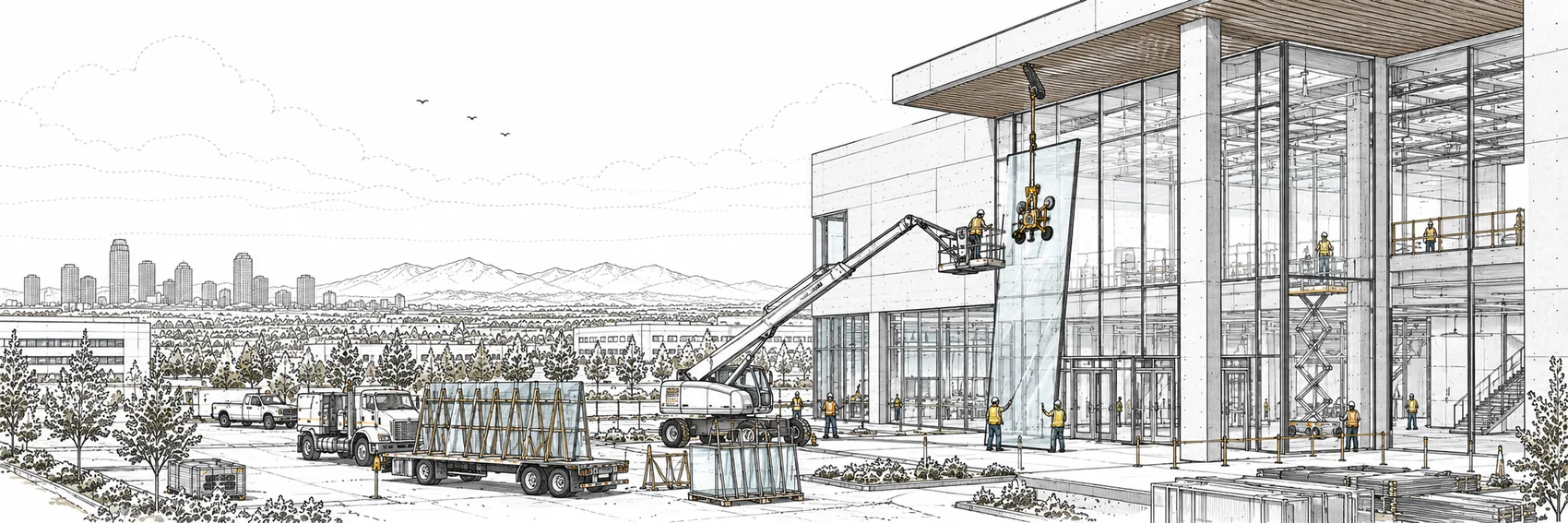
Glazing contractor software built for fabricate, then install
Submittal packages and shop drawings tracked to approval, fabricated glass billed as stored materials on the G703, a WIP schedule that handles the stored-materials carve the way your CPA expects, and a dispatch board for install crews and lift days.
The money is tied up before the glass is on the building
Curtain wall and storefront work has a shape most construction software ignores: months of engineering and shop drawings, then glass and framing fabricated offsite, then a comparatively short install. By the time a crew touches the building, most of the job’s cost has already been incurred — sitting in a fabricator’s yard or your shop.
That shape creates two problems. The billing problem: getting paid for fabricated material before it’s installed, as stored materials on the pay application. And the reporting problem: showing that material honestly on the WIP schedule, where billed-but-uninstalled glass hasn’t earned its margin yet. SitewideOps handles both, from the same documents.
What glazing contractors run on SitewideOps
From the first submittal package to the retainage release.
Submittals & shop drawings
Submittal items grouped into packages and tracked through sent, responded, approved, and revise-and-resubmit — so the approval gating a fabrication release is a status you can see, not an email you have to find.
Drawing sets
Current drawings live on the project, so the office and the install crews are working from the same set.
Stored materials on the G703
Bill fabricated glass and framing as materials presently stored on the pay application, with retainage held per the contract — cash in the door while the material waits for install.
The stored-materials carve
The WIP schedule carves billed-but-uninstalled material out of percent complete and recognizes it at zero margin until crews install it, per ASC 606 — shown as its own line with the purchase orders behind it.
Install crews & lift days
A crew-based dispatch board with multi-day assignments, a map, and a weather outlook — so install crews and the days you have a crane on site are planned in one place.
Job costing
A source-document cost ledger with committed versus actual by cost code, subcontracts with progress billing, and an EAC forecast per project.
Stored materials, billed and reported correctly
The G703 has a column for materials presently stored, and on glazing work it carries real money. In SitewideOps, the pay application bills stored materials alongside completed work, retainage is held on the total, and issuing the application drafts the AR invoice — the mechanics are in our guide to stored materials on pay applications.
The half most systems skip is the WIP side. Under ASC 606, material you’ve billed but not yet installed is recognized at zero margin until it goes in the building — otherwise your percent complete and gross margin overstate the period. The SitewideOps WIP schedule applies that carve on both sides of the calculation automatically, shows the stored-materials line separately, and backs it with the purchase-order evidence an auditor will ask for. When the crew installs the glass, the margin shows up — in the month it was actually earned.
From shop drawings to retainage release
The whole arc of a glazing project, in the order it actually happens.
Submit and get approved
Build submittal packages for the engineered systems, track them to approval, and run RFIs on the same project. The paper trail that gates fabrication is organized instead of scattered.
Order and bill the fabrication
Purchase orders commit the fabrication cost against the job. Once material is fabricated and stored, bill it on the G702/G703 as materials presently stored, with retainage held.
Install
Dispatch install crews and lift days on the crew board. As material goes in the building, the WIP schedule moves it out of the stored-materials carve and the margin is earned.
Punch and close out
The project workflow carries the job through substantial completion, punch list, and closeout — and retainage held across the pay applications is tracked and released at the end.
No invented “glazing module” — the fit is configuration. Your framing systems and glass types live in a tenant-defined item catalog and assemblies, your cost codes and cost types are your own, and custom fields carry whatever your estimators track. The trade fit comes from how you set it up, not from a template pretending to know your work.
Frequently asked questions
Yes. The G702/G703 pay application carries materials presently stored as its own column, so fabricated glass and framing get billed when they are fabricated and stored, not months later at install. Retainage is held on the total per your contract terms.
Billed-but-uninstalled material is carved out of both sides of the percent-complete calculation and recognized at zero margin until it is installed, following ASC 606. The carve appears as its own line on the WIP schedule with the purchase orders behind it, so the treatment is visible rather than buried.
Yes. Submittal items group into packages tracked through sent, responded, approved, and revise-and-resubmit, and drawing sets live on the project. RFIs run alongside them, so the whole approval trail sits in one place.
Retainage is held on each pay application per the contract and tracked across the project. On the subcontract side, progress billing holds and releases retainage too, so both directions of the retainage picture are in the system.
The dispatch board is crew-based with multi-day assignments, a map view, and a weather outlook. Install crews and the days you have a lift or crane on site are scheduled in the same view, so a weather move takes the whole plan with it.
A flat $180 per active crew per month with unlimited users and no per-seat fees, with a $1,200 monthly minimum. A free 21-day demo account is available if you want to run your own numbers through it first.
Bill the glass when it’s fabricated, earn it when it’s installed
See stored materials handled correctly on the G703 and the WIP schedule, from the same documents. Free 21-day demo account.
Anyone interested gets a free 21-day demo account: the full product, every feature, no credit card.